Overview:
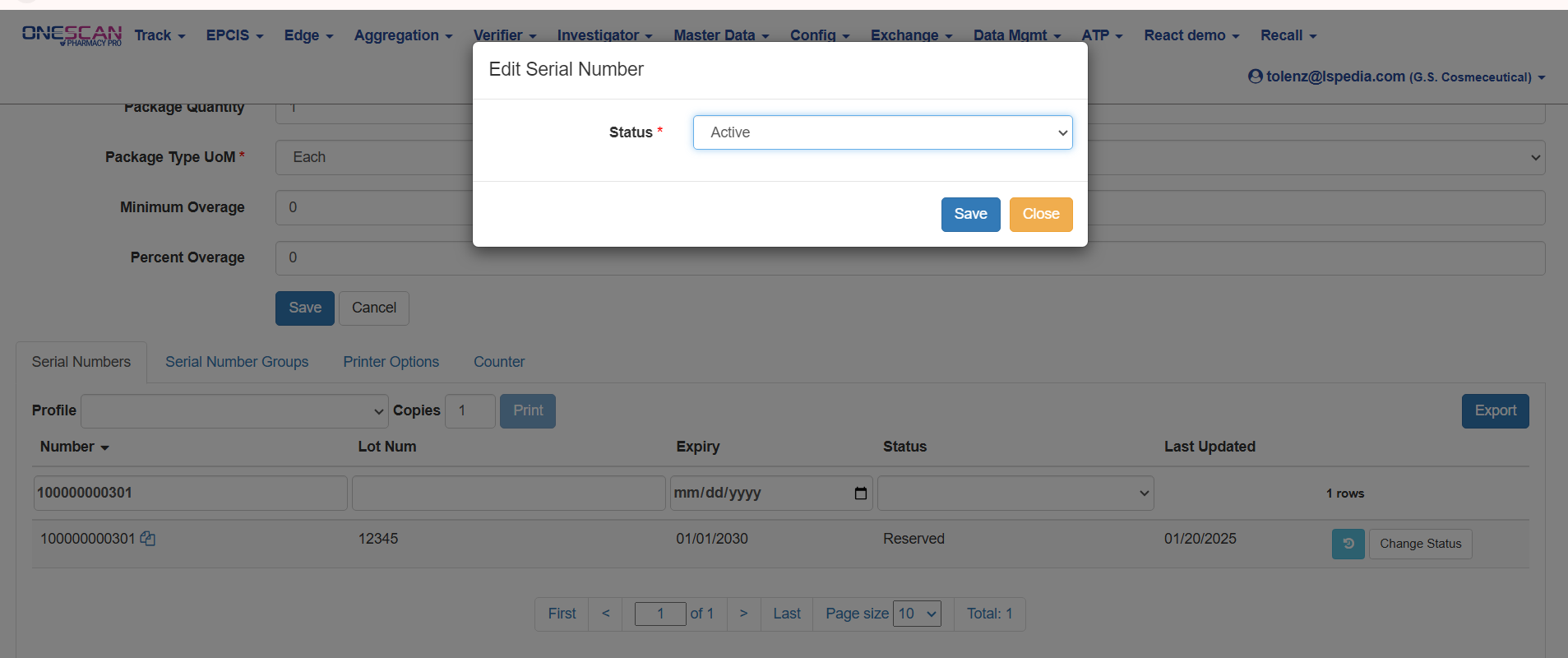
This article is to illustrate how to Change Serial Number Status for scanning out.
Steps:
- To begin navigate to https://onescan.lspedia.com/#!/home
- Login to the account with a valid username and password
- Click “Master Data"
- Navigate to "GTINs"
- Filter and Search for the GTIN
- Scroll to the bottom of the page and navigate to the "Serial Numbers" tab
- Enter the serial number you want to edit under the status for
- Click the "Change Status" button
- Choose to "Status" you would like to change the serial to. "Active" status is used to scan-out.
- Click Save